Free Template
Printable Fax Cover Sheet Templates: Free Word Downloads
Need a fax cover sheet you can print or edit? Use the printable fax cover sheet below or download a free Word template. You can also save the printable version as a PDF from your browser.
On this page, you’ll get:
- A free printable fax cover sheet
- An option to print the cover sheet or save the printable version as a PDF
- Free editable fax cover sheet templates for Microsoft Word
- Simple, corporate, modern, and confidential designs
- Guidance on what information to include before printing
- A faster way to reuse the same Word fax template
Free Printable Fax Cover Sheet
The template below contains the standard information commonly included on a fax cover page. You can use it as a reference, print it, or download an editable Word version.
FAX COVER SHEET
Date: ____________________________________
Recipient Details
To: ____________________________________
Company: ____________________________________
Fax Number: ____________________________________
Phone Number: ____________________________________
Sender Details
From: ____________________________________
Company: ____________________________________
Fax Number: ____________________________________
Phone Number: ____________________________________
Email: ____________________________________
Fax Information
Number of Pages Including Cover Sheet: __________________
Subject: ____________________________________
Message
______________________________________________________________________
______________________________________________________________________
______________________________________________________________________
Confidentiality Notice
This fax may contain information intended only for the recipient named above. If you receive it in error, please notify the sender and handle the documents appropriately.
Additional Notes
______________________________________________________________________
______________________________________________________________________
______________________________________________________________________
How to Save the Printable Fax Cover Sheet as a PDF
The PDF is not a separate download on this page, but you can save the printable fax cover sheet as a PDF using your browser.
- Click Print / Save as PDF.
- Your browser's print window will open.
- Choose Save as PDF as the printer or destination.
- Select where you want to save the file.
- Save the PDF and use it when needed.
If you want to edit the fields before creating a PDF, download the Word version first. You can enter your details in Microsoft Word and then export or save the completed document as a PDF.
Download the Free Printable Fax Cover Sheet for Word
The Word version is the downloadable template on this page. You can type directly into it, add your company details, change the wording, and keep a reusable copy on your computer.
The template can be used for:
- Business faxes
- Office administration
- Forms and supporting documents
- Professional correspondence
- Multi-page fax transmissions
- Documents sent to a specific person or department
Downloadable Fax Cover Sheet Templates
If you want something more polished than a basic printable form, choose one of the Word templates below. Each design can be edited before printing, and a completed Word document can also be exported as a PDF.
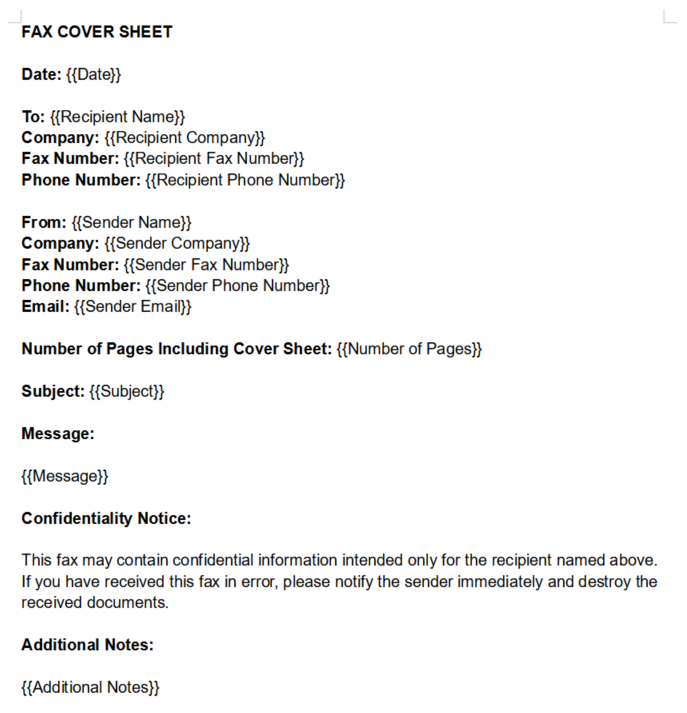
Simple Printable Fax Cover Sheet
A clean fax cover sheet with an uncomplicated layout. Good for everyday office use when you want something quick to edit and easy to print.
Download Word Template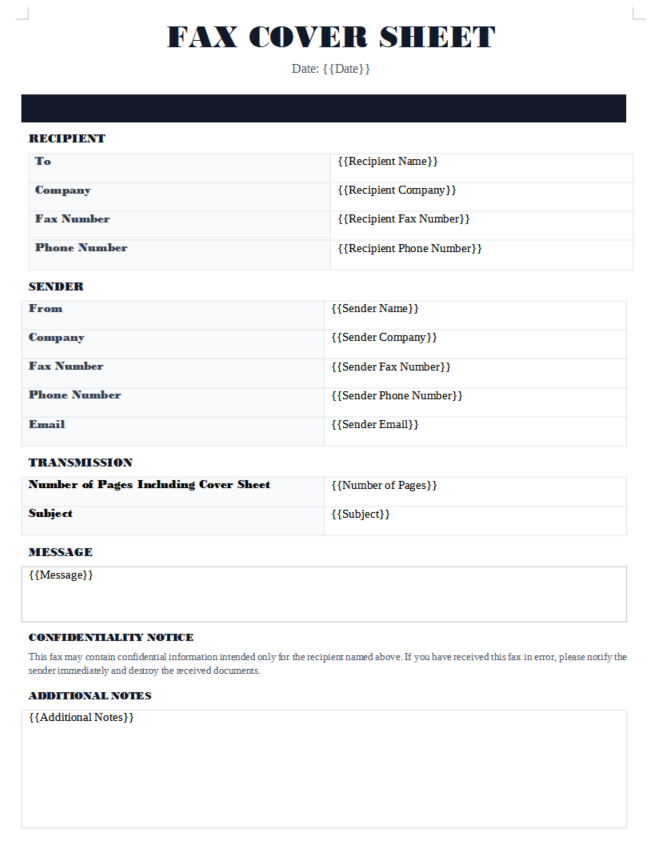
Minimal Corporate Fax Cover Sheet
A professional two-column design with a clean corporate appearance. Suitable for businesses that want a structured cover page without heavy styling.
Download Word Template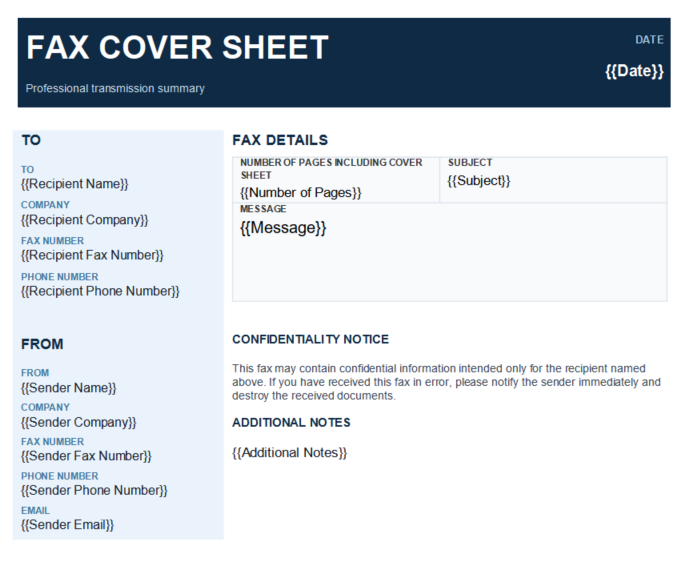
Modern Blue Fax Cover Sheet
A stronger visual design with a blue header and clearly separated information. Useful for businesses that want a more distinctive printable fax cover page.
Download Word Template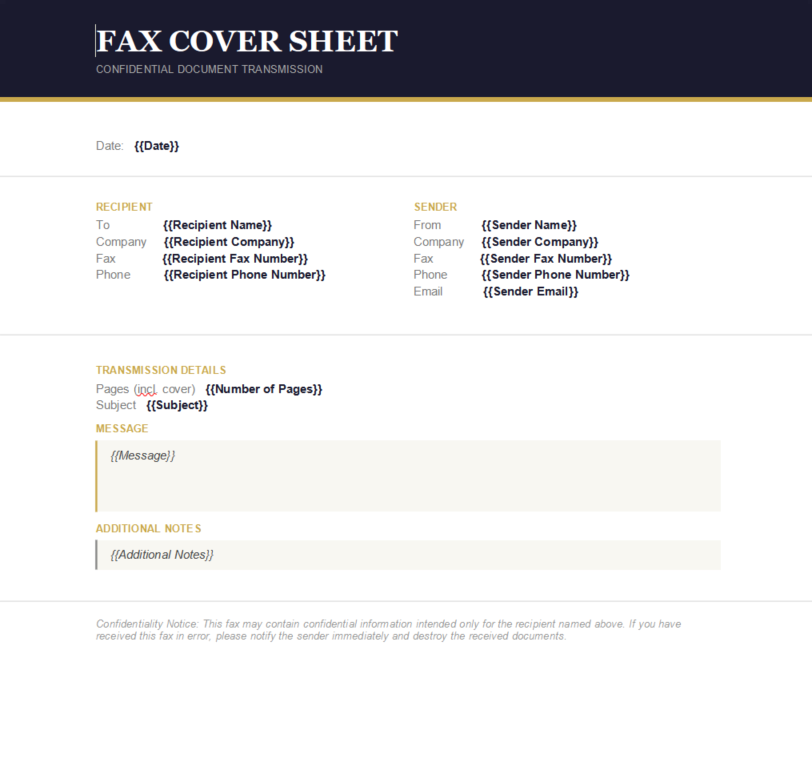
Corporate Classic Fax Cover Sheet
A traditional business-style fax cover sheet with structured sections for recipient details, sender details, transmission information, and notes.
Download Word Template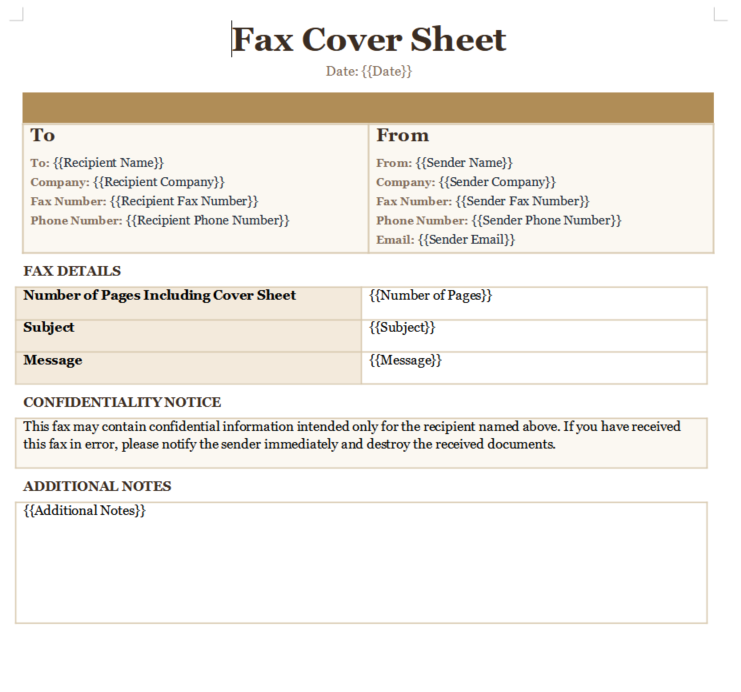
Elegant Serif Fax Cover Sheet
A more formal fax cover page using serif headings and a refined layout. Suitable for professional correspondence where presentation matters.
Download Word Template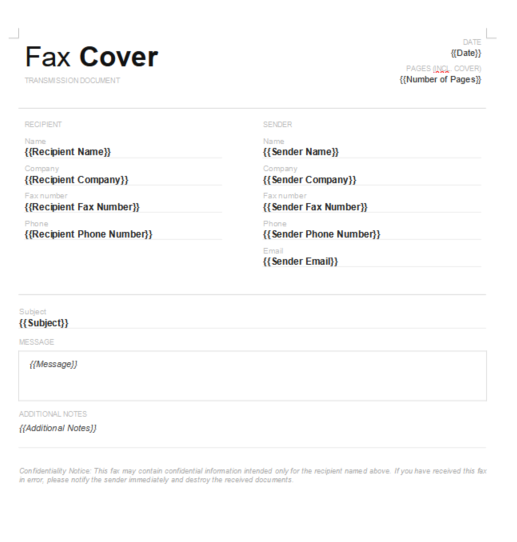
Confidential Minimal Modern Fax Cover Sheet
A modern fax cover sheet with a strong header and confidentiality section. Useful when you want the document to clearly highlight that the fax should be handled carefully.
Download Word Template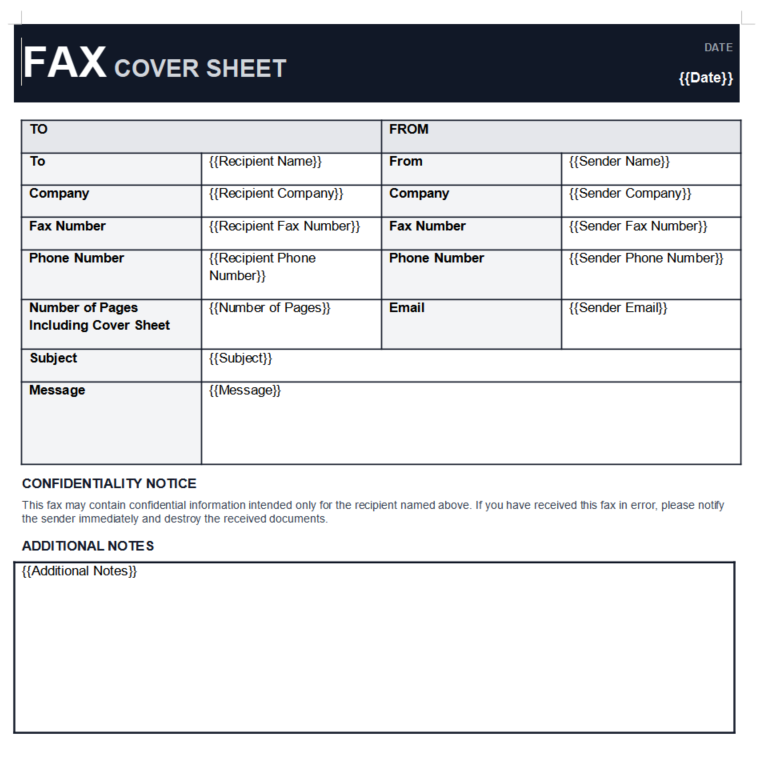
Bold Grid Fax Cover Sheet
A structured cover sheet with clearly defined fields and a grid-based layout. Good for users who prefer a form-like printable design.
Download Word Template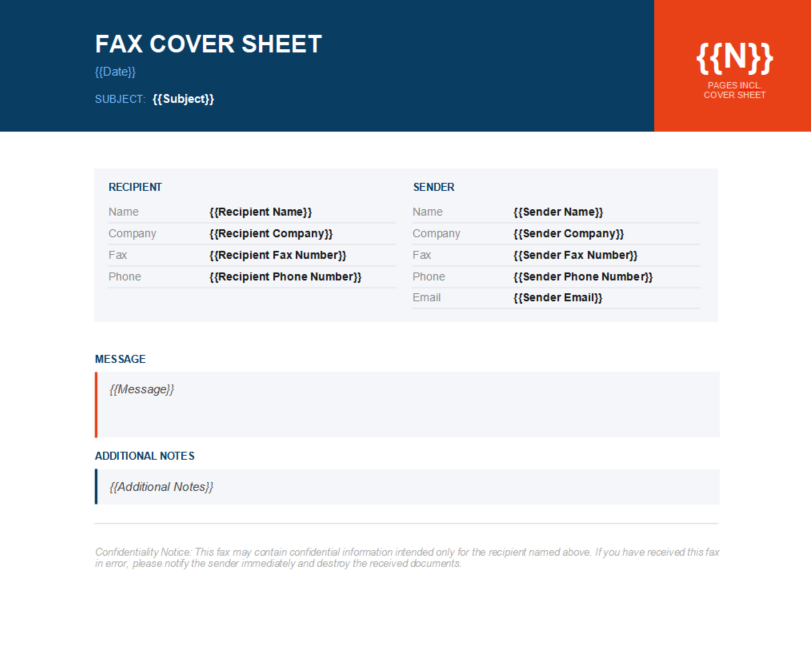
Modern Color Block Fax Cover Sheet
A modern template with a strong colour-block heading and separate sender and recipient areas. A good choice if you want a more visual business fax cover sheet.
Download Word TemplateWhat Is a Printable Fax Cover Sheet?
A printable fax cover sheet is a fax cover page designed so that it can be printed and completed by hand or filled out digitally before printing.
It performs the same basic job as any other fax cover page: it identifies the sender, the intended recipient, and the documents included in the fax.
The difference is simply that the layout is designed to remain clear when printed on paper, usually using obvious labels, sufficient spacing, and easy-to-read sections.
If you want a broader explanation of what a fax cover page does, read what a fax cover sheet is and how it works.
What Should a Printable Fax Cover Sheet Include?
A useful printable fax cover sheet normally has space for:
- Date
- Recipient name
- Recipient company or department
- Recipient fax number
- Sender name
- Sender company
- Sender phone number or email
- Number of pages
- Subject
- Short message
- Optional confidentiality information
The exact fields can be adjusted depending on how you use the template. For example, an internal office fax may need fewer contact fields than a fax being sent to another organisation.
Blank Printable Fax Cover Sheet vs Completed Fax Cover Sheet
A blank printable fax cover sheet is useful when you want to keep paper copies available and write the fax information by hand.
A digital version is often more practical if you send faxes frequently because you can type the recipient, subject, and message before printing or saving the file.
If you are unsure how to complete each field, see our step-by-step guide on how to fill out a fax cover sheet. It also includes a completed example.
Word or PDF: Which Fax Cover Sheet Format Should You Use?
Use Word if you want to edit the template
A Word fax cover sheet is useful when you regularly change names, dates, fax numbers, subjects, or messages. You can customise the design and keep your own reusable copy.
Use PDF if you want a fixed copy after editing
PDF is useful when you want the layout to remain consistent after you have finished editing the document. This page does not provide a separate PDF download, but you can save the printable version as a PDF or export the completed Word template as a PDF.
For many users, keeping an editable Word master template and creating a PDF only when needed gives the most flexibility.
How to Print a Fax Cover Sheet Correctly
Before printing, quickly check that:
- The recipient name is correct
- The fax number is correct
- The page count is accurate
- The subject is easy to understand
- Your contact information is current
- No information from a previous fax has been left in the template
For a standard office document, printing on normal Letter or A4 paper is usually sufficient. Check the print preview first to make sure no fields or text are being cut off.
The Problem With Reusing the Same Printable Template Manually
A printable fax cover sheet is convenient, but repeatedly editing the same Word document can become tedious if you send many similar faxes.
You may repeatedly change fields such as:
- Recipient name
- Recipient company
- Fax number
- Date
- Number of pages
- Subject
- Message
The work is simple, but manually replacing each field can take time and makes it easier to accidentally leave old information in the document.
Turn Your Printable Fax Cover Sheet Into a Reusable Template
Instead of keeping a completed fax cover sheet and overwriting the old values each time, you can keep placeholders in the Word document.
For example:
- {{Recipient Name}}
- {{Recipient Company}}
- {{Recipient Fax Number}}
- {{Date}}
- {{Number of Pages}}
- {{Subject}}
- {{Message}}
TextReplacer reads those placeholders so you can enter the new values without manually searching through the Word document for every field.
With TextReplacer, you can:
- Upload your existing fax cover sheet
- Keep reusable {{placeholders}} in the Word file
- Enter the new information in one place
- Generate the completed document
- Download the finished version as Word or PDF
You can also read our guide on how to automate Word templates if you want to see how the placeholder approach works.
Try TextReplacer for $1Common Printable Fax Cover Sheet Mistakes
- Using a layout that becomes difficult to read when printed
- Entering the wrong fax number
- Forgetting to state whether the page count includes the cover sheet
- Leaving old recipient information in a reused Word document
- Making the message unnecessarily long
- Printing before checking the document preview
- Forgetting sender contact details
More Fax Cover Sheet Templates
This page focuses on fax cover sheets that are easy to print or save as PDF. For the complete template collection, including all available Word designs, visit our main fax cover sheet page.
Related Fax Guides
Related Document Automation Guides
FAQs
Can I print a fax cover sheet?
Yes. You can print a blank fax cover sheet and complete it by hand, or enter the information digitally before printing.
Can I download a fax cover sheet in Word?
Yes. The downloadable templates on this page are available as editable Word documents, allowing you to customise the details before printing or sending.
How do I save a fax cover sheet as a PDF?
There is no separate PDF download on this page. Click the Print / Save as PDF button for the printable version and select Save as PDF in your browser's print dialog. You can also download the Word template and export the completed document as a PDF from Word.
What should a printable fax cover sheet include?
It normally includes the date, recipient information, sender information, fax number, page count, subject, a short message, and an optional confidentiality notice.
Should I use a Word or PDF fax cover sheet?
Word is more useful if you want to edit the template regularly. PDF is useful after editing when you want a fixed version that keeps the same layout when viewed or printed.
Can I reuse the same printable fax cover sheet?
Yes. You can keep a blank master copy or use placeholders in a Word template so the changing details can be replaced whenever you need a new version.
Final Thoughts
A printable fax cover sheet gives you a simple way to identify the sender, recipient, subject, and page count before the rest of a fax is sent.
You can print the blank version on this page, save that printable version as a PDF, or download the editable Word template if you want to customise the document first.
If you need more styles, visit the main fax cover sheet template collection. If you reuse the same Word template regularly, TextReplacer can also help replace the changing fields without repeatedly editing them manually.